 Minpho
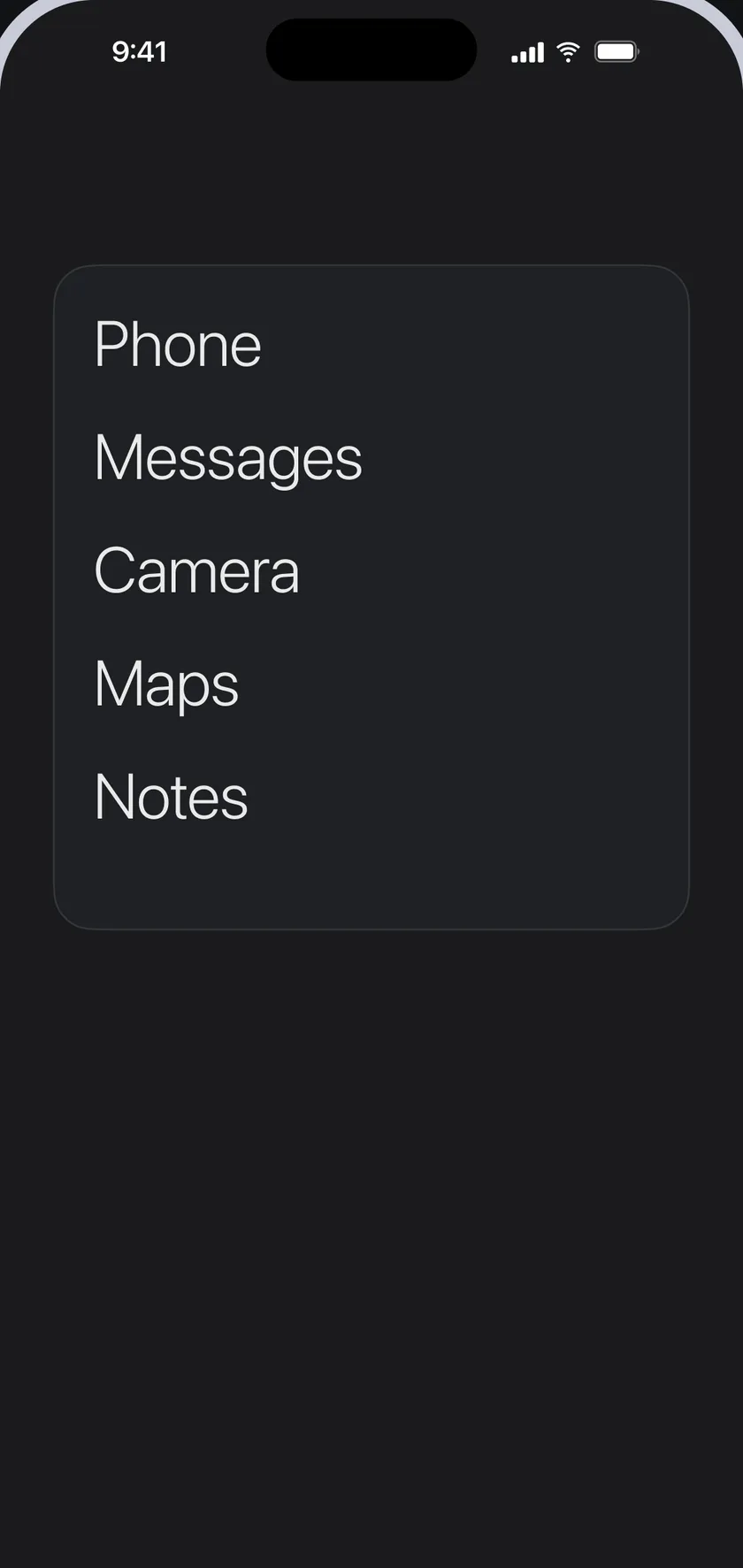
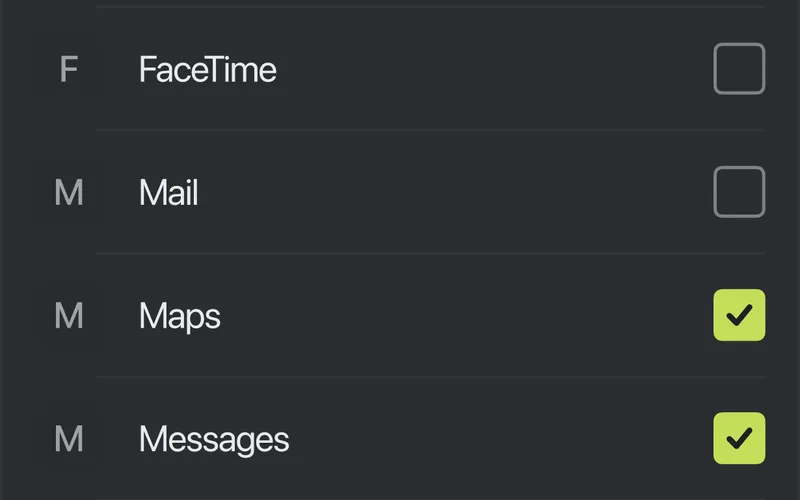
Choose your essential apps
Pick the apps you need. They become the list on your widget, and you can change it any time.
Choose your essential apps and Minpho puts them on your iPhone Home Screen as a plain list, in a widget you style yourself.
Pick the apps you need. They become the list on your widget, and you can change it any time.
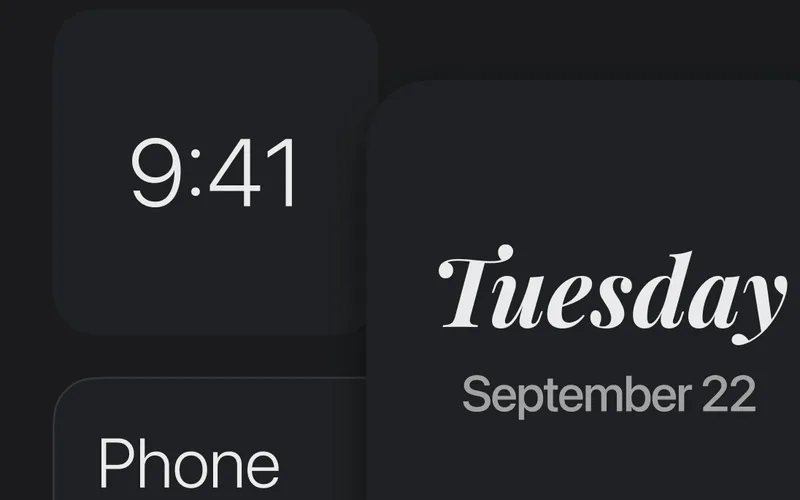
Plain-text widgets for your Home Screen: the apps you chose, the time and the date.
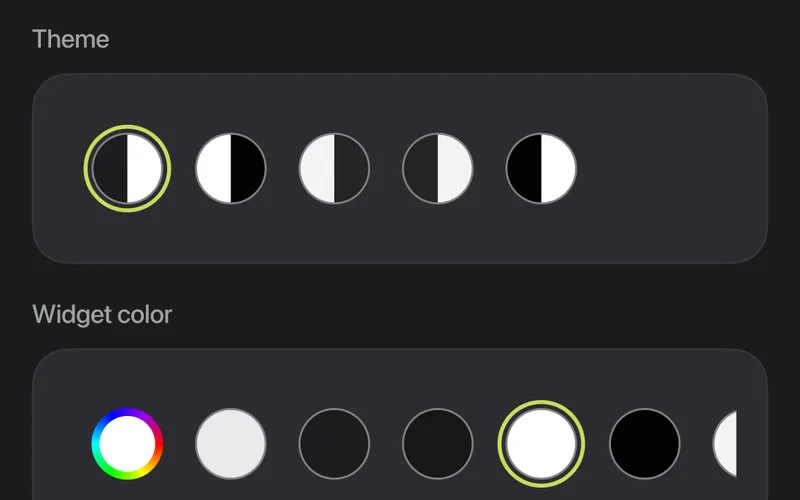
Choose the theme, the widget color and the text color.
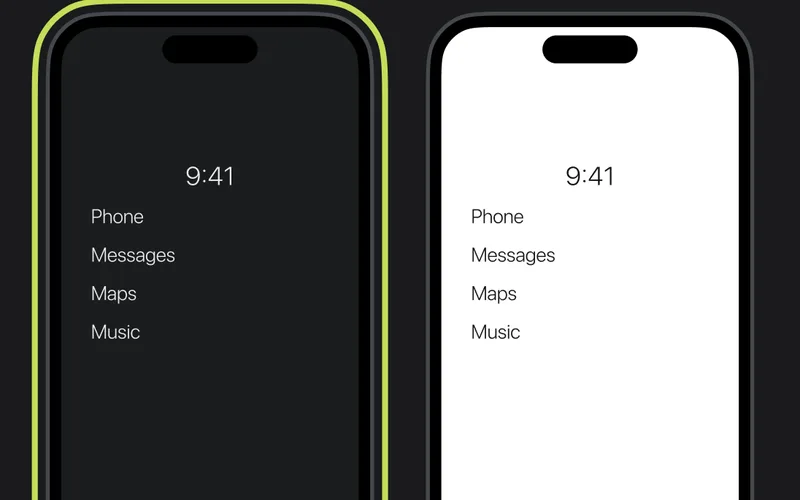
Minpho and your widgets follow dark or light, and you can change it later.
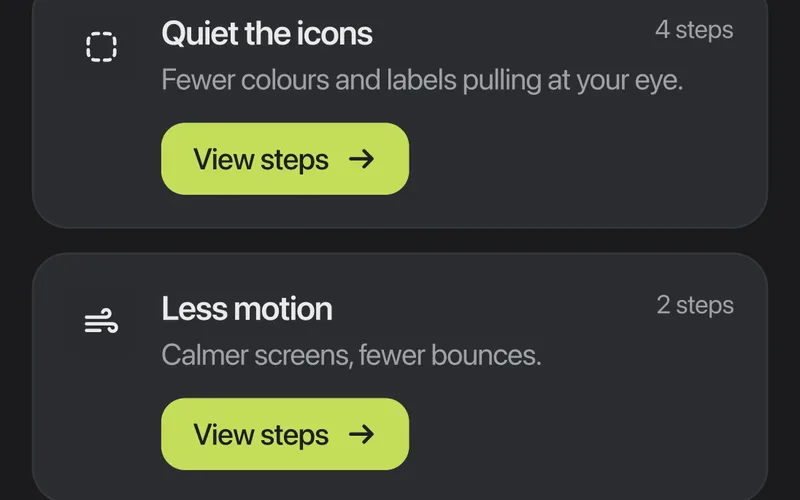
Guided steps to quiet the icons, cut down on motion, hide extra Home Screen pages and get fewer interruptions.
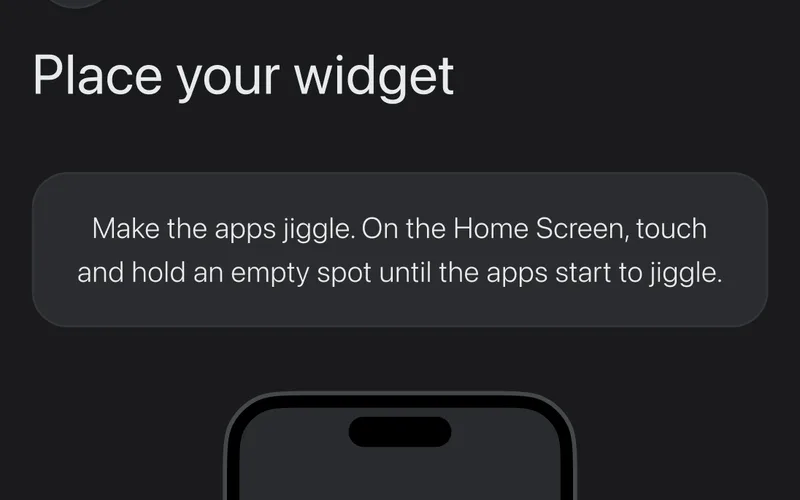
Step-by-step help, starting with placing your widget on the Home Screen.
Write to us with any question about Minpho, its setup or your data.